
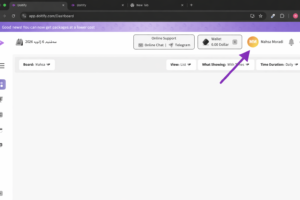
To open this section, simply click on the circle located at the top right of the page. This is your profile section, and by clicking on it, you can access and edit your profile settings.
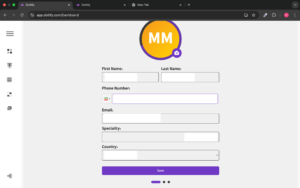
This section of the website is for editing the user profile on the Dotify platform. In this page, users can update their personal information.
The fields include:
-
First Name and Last Name: For entering the user’s first and last name.
-
Phone Number: The user’s phone number, which can be updated.
-
Email: The user’s email address.
-
Speciality: The user’s specialty or skills.
-
Country: The user’s country.
-
Save: To save any changes made.
This information allows users to update their profile and customize it according to their needs for using the platform.


