
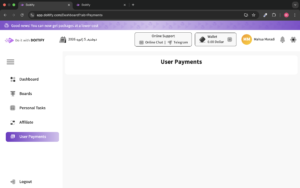
This section is part of the User Payments tab on the Doitify platform. Here, you can track and manage the payment transactions made by users. Typically, this part allows you to:
- View details of payments and transactions made by users.
- Check the status of payments (successful or failed).
- See the current balance in your wallet.
- Manage your payment methods and transaction history.
If you want to add funds to your wallet or check the details of your past payments, this is where you’d do it. To use this section effectively, make sure your account and wallet are active so you can easily track and manage all your payments.


