First Image: Board Interface #
-
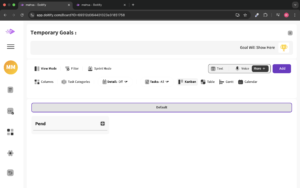
Temporary Goals Section: This part of the screen shows the Temporary Goals with a placeholder for a goal to be set.
-
View Mode Options: There are options to adjust how the board is displayed, such as View Mode, Filter, Sprint Mode, Columns, and Task Categories.
-
Kanban, Table, Gantt, and Calendar Views: The user can toggle between different views to manage tasks, like Kanban, Table, Gantt, and Calendar.
-
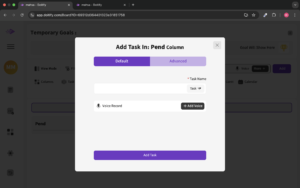
Task Addition Section: The section shows “Pend” with an Add button for adding tasks to this column
-
.

-